
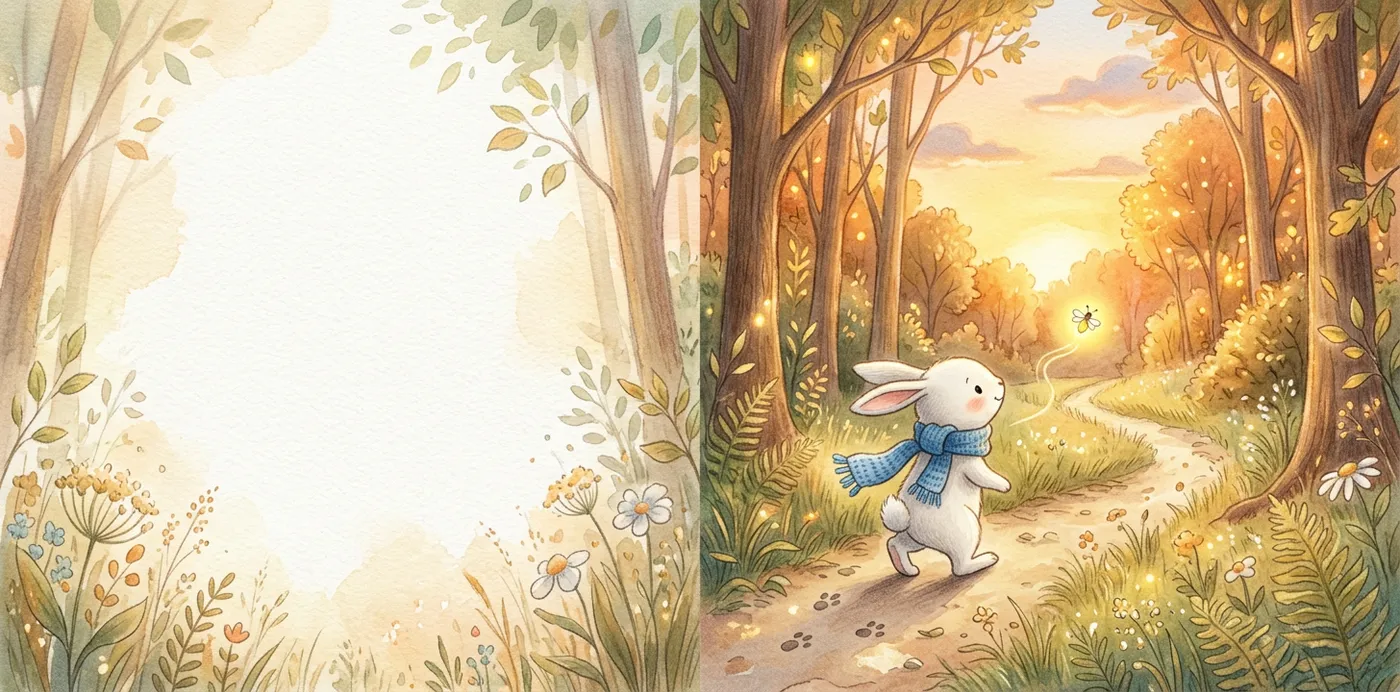
Interior PDF
A separate manuscript file with page layout, margins and bleed for paperback review.
Free KDP calculators for trim, bleed, spine and page count — plus an editable picture-book draft workspace.
Draft creation is available. Public AI generation and checkout are not open yet.
Four files from one editable project.
A separate manuscript file with page layout, margins and bleed for paperback review.
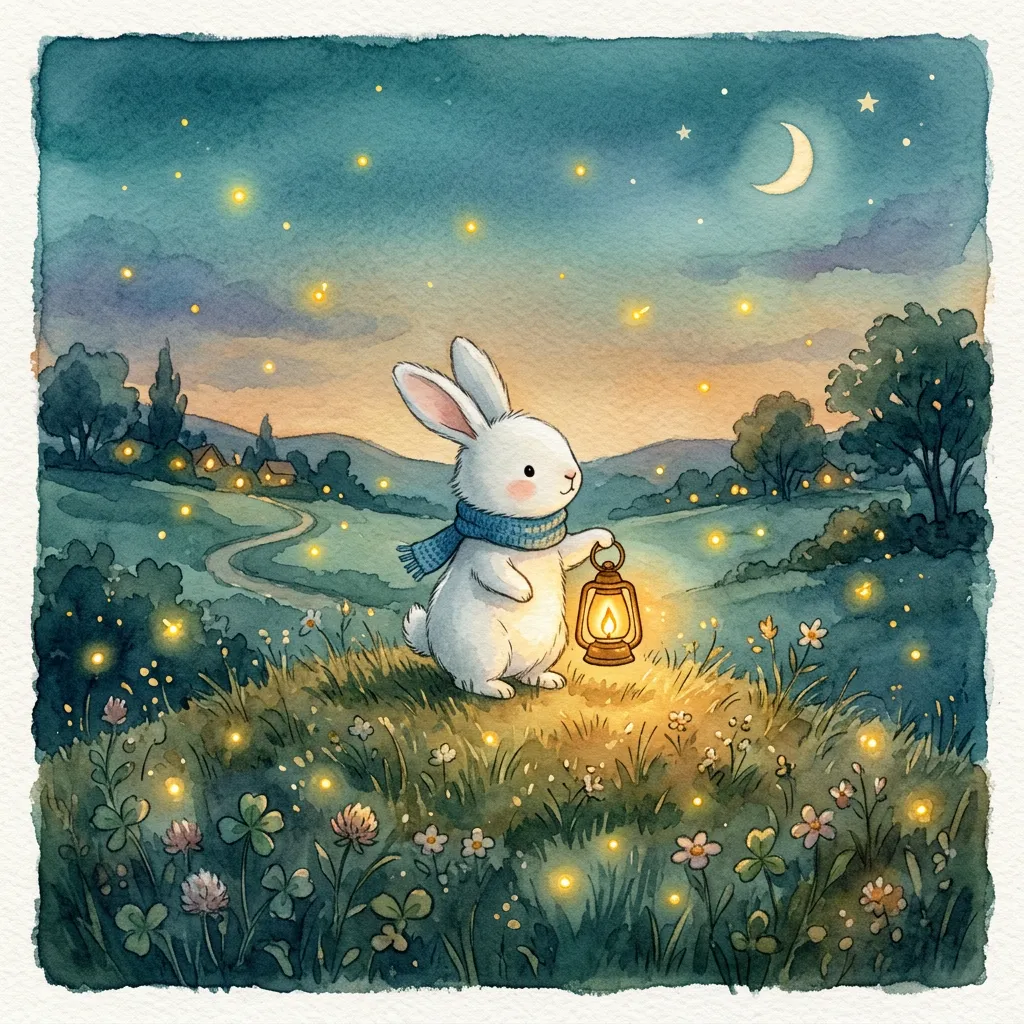
Back cover, calculated spine and front cover together in one cover file.
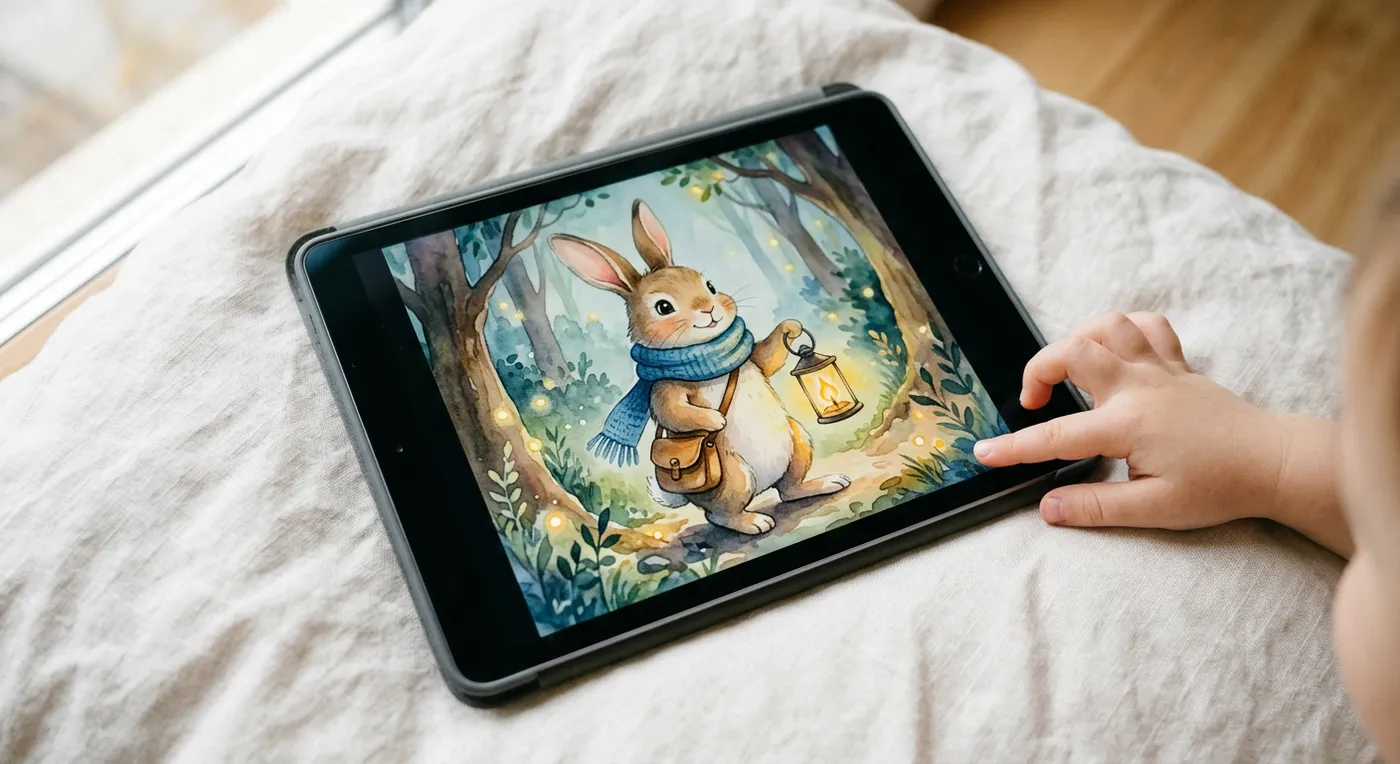
An EPUB edition to inspect in your intended reader, including Apple Books (formerly iTunes Books); store acceptance is a separate review.
Publishing information, file manifest and preflight results help you match your files to the settings you select in KDP.
Start with a story idea and build an illustrated manuscript that you can revise before publishing. This AI picture book generator brings story text, artwork, page layout and export checks into one workspace. The current template is an English watercolor picture book for children aged four to six. Its fixed layout leaves room for reading aloud and gives each scene a clear place in the sequence.
The book remains an editable project. You can shorten a sentence without regenerating an illustration, replace a picture without retyping the story, and inspect a saved version before choosing what to export. The available outputs serve different purposes: paperback files preserve physical page geometry, while the digital edition is a separate reading format. Review every page and the export report before uploading. Generation availability, watermarks and commercial export rights depend on your account and the current service status; creating a draft does not itself buy a finished book.
From one idea to KDP-ready files, without leaving the project.
Describe your story in the form above, then save your draft. You can revise the brief and choose a book title in the editor before requesting a generation quote. Draft creation does not start a paid generation job.
Start your story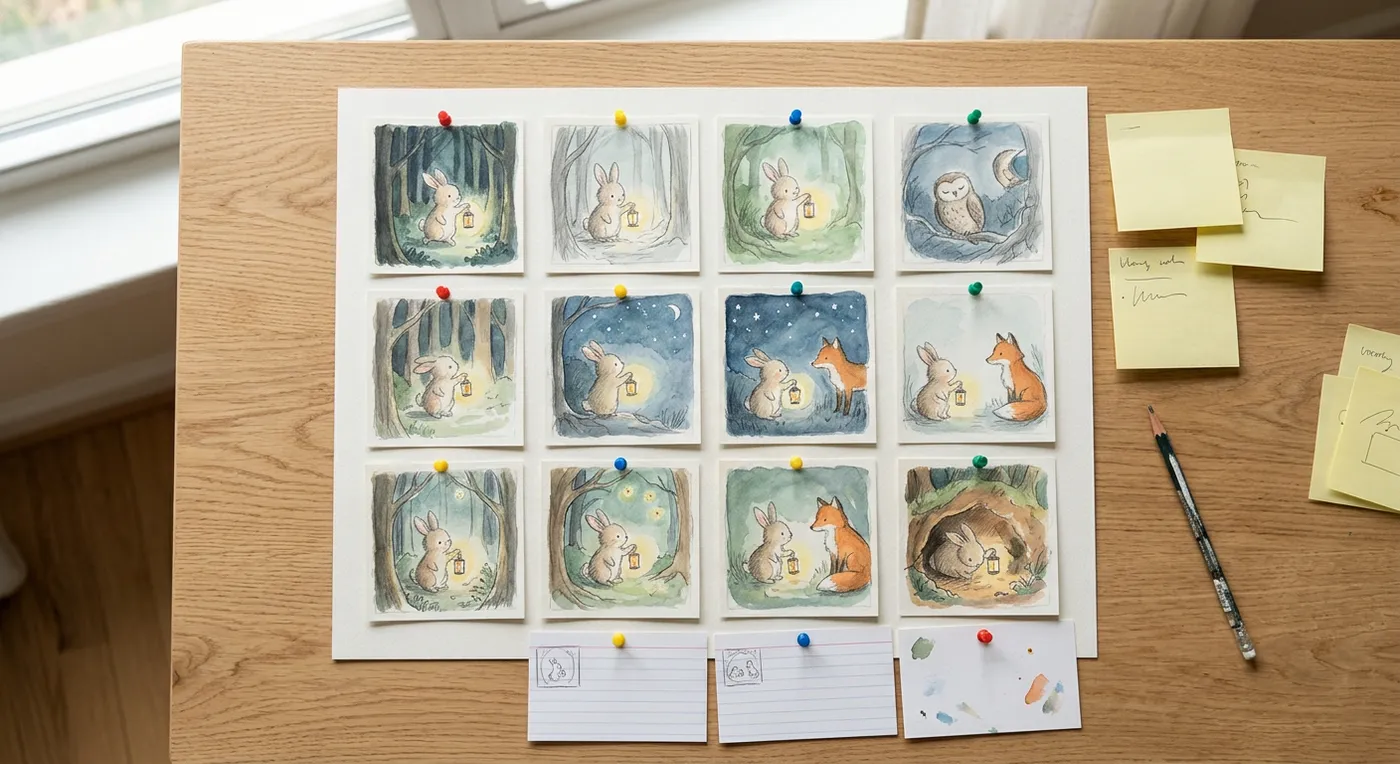
The current release uses a watercolor template; additional style choices are not available yet. Within that template, define the character’s appearance, clothing, important objects and locations. Review character references and the scene plan before continuing. Keep details such as a blue scarf or the shape of a lantern explicit, then check them across the resulting pictures. Reference images guide continuity, but you still need to inspect the finished artwork and request corrections where necessary.
Start your story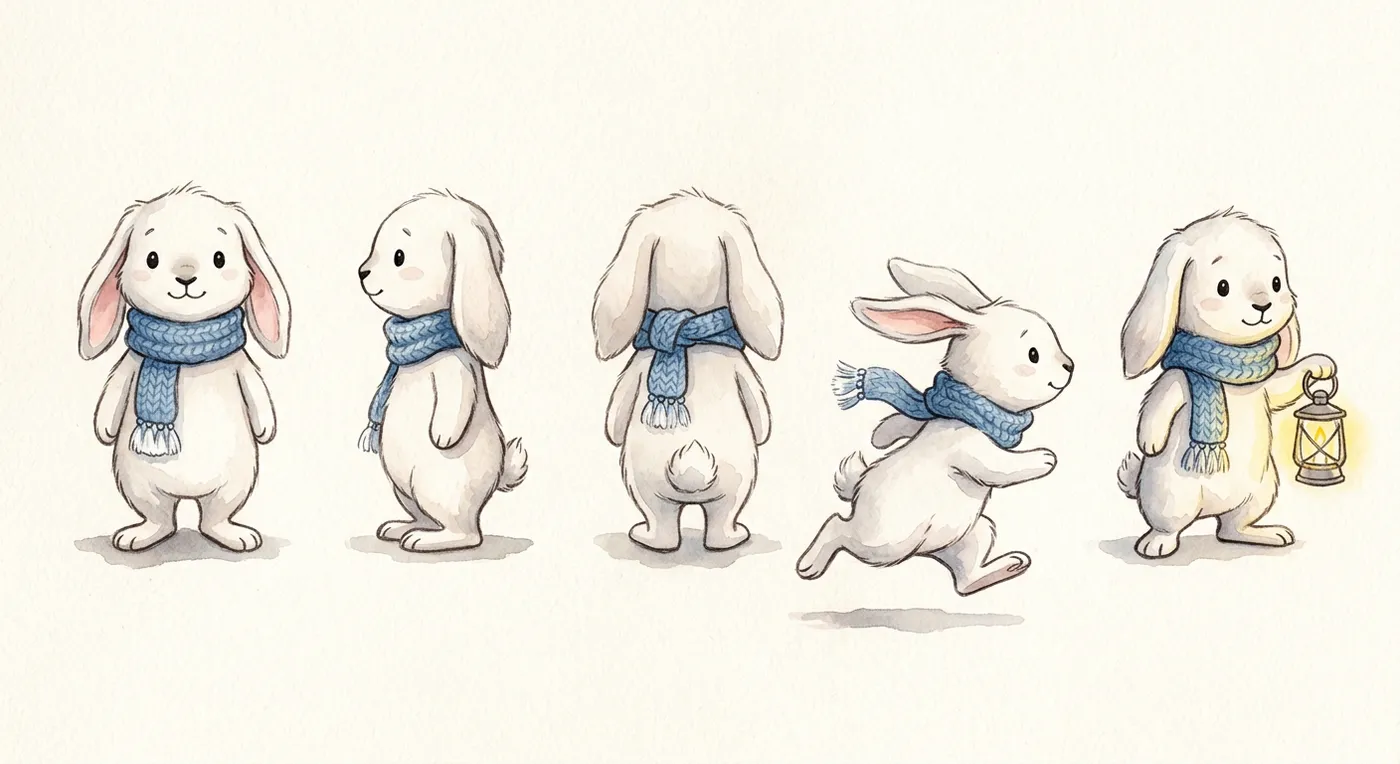
Open a page and select the text or image you want to change. Adjust wording, font settings, position and image crop without flattening the page into one picture. For a different illustration, request a quote for the selected image and review the candidate before applying it. Save the changes, compare earlier versions and restore a saved version when needed. Read the full sequence after local edits so a better individual page still fits the surrounding story.
Start your story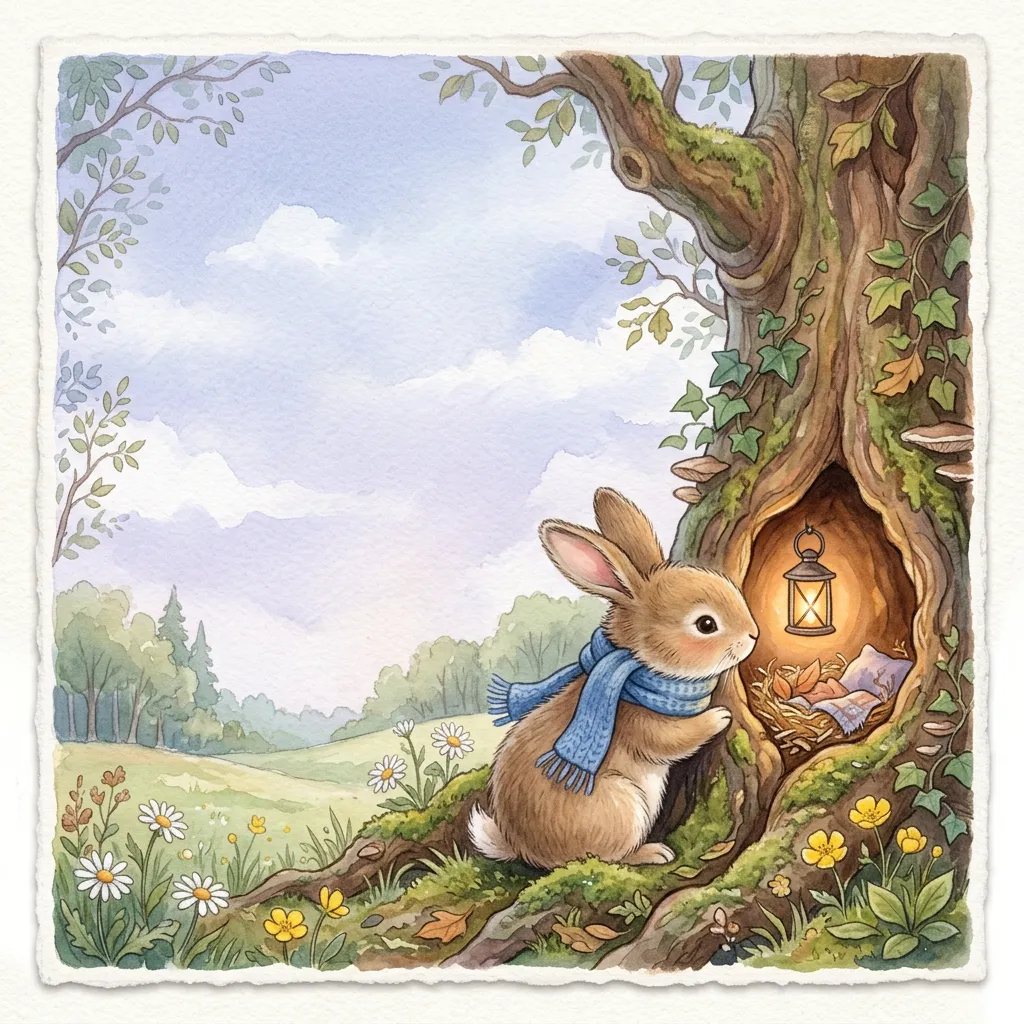
Run the preflight check against the version you intend to publish. Resolve missing images, text overflow and resolution problems before requesting the interior and full wrap cover. Export rights and watermark status are checked on the server. Download the files for that reviewed version and choose matching paper, trim and bleed settings when uploading. Use the KDP previewer and order a proof before publication; a successful export does not guarantee that Amazon will approve a book.
Start your story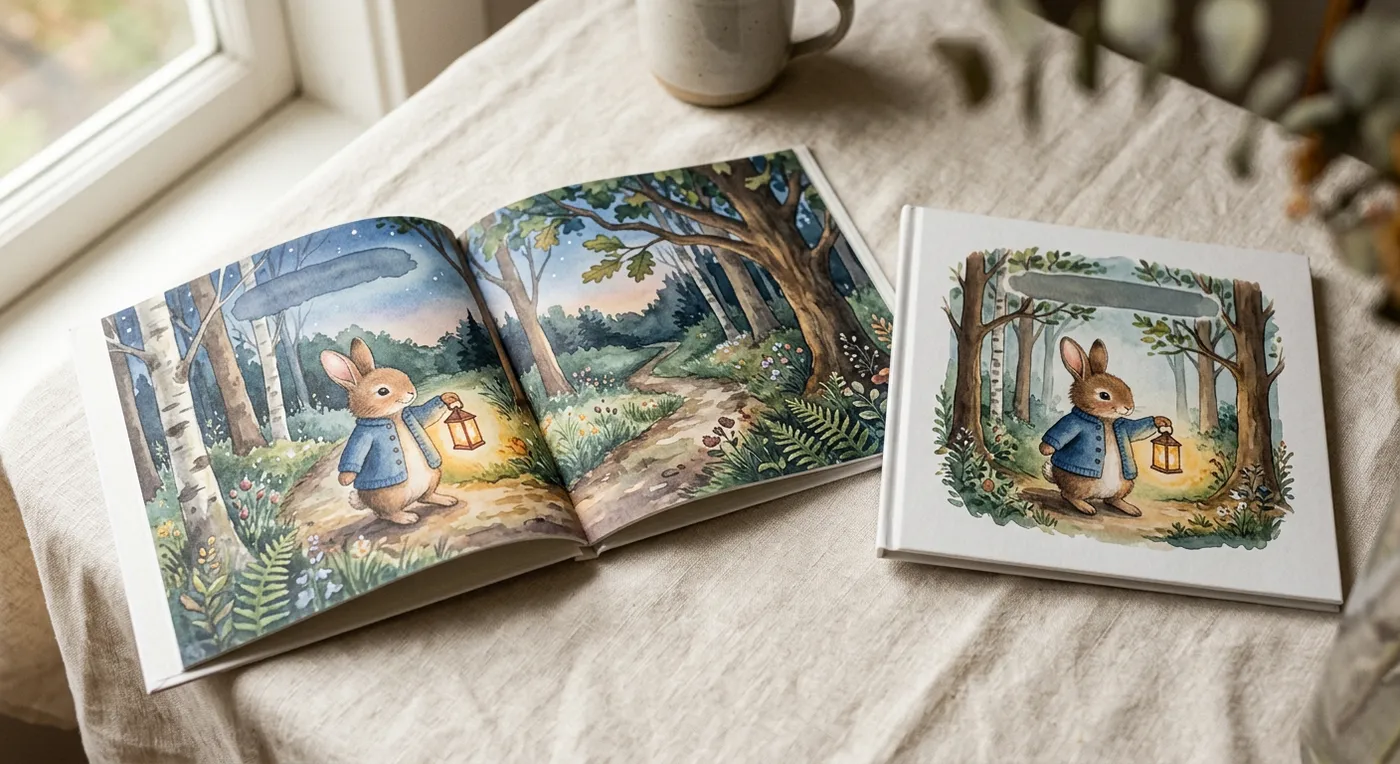
An illustration and the words beside it are separate objects in the editor. Select a text block to rewrite a line, change its font family or size, adjust line height and move it within the page. These changes keep the underlying picture intact. This matters when a sentence is too long for reading aloud or a caption ends up too close to the binding: you can fix the actual text instead of asking an image model to spell it again.
Select an image to change its placement or crop, replace it with an uploaded asset, or request a new candidate for that image. A single-page redraw has its own quoted scope. It does not require you to accept a new version of every other illustration. Inspect the candidate for the character’s clothing, expression, props and relationship to the text before adopting it. Rejecting a candidate keeps the current document in place.
Saved versions provide a way back. Use the history controls to restore an earlier document after trying another composition or revising a passage. Keep a saved version before a larger round of changes, then review the whole book after restoring. The AI picture book generator supplies a starting point; these controls let you make concrete editorial decisions about the result.
Paperback layout begins with the physical page. The current book template uses 8.5 × 8.5 in trim and artwork that extends 0.125 inch beyond the outside trim edges. This extra image area allows for cutting variation. Background color can continue through the bleed, while names, faces and other details that must remain visible should sit safely inside the page. Bleed is additional area, not a border to draw around your illustration.
The inside margin protects the reading area near the binding. KDP’s minimum gutter increases with page count, from 0.375 to 0.875 inch. The current template uses the first band. A longer book needs a new margin calculation, and a larger margin can change where a line wraps. Check both facing pages together, especially when text is placed near the inner edge of a spread.
The wrap cover uses the final interior page count and the selected paper to calculate its spine. A page-count change can therefore invalidate an earlier cover file. Keep the back-cover barcode area clear and avoid putting essential artwork underneath it. The spine region exists even when a short book is too thin for spine lettering. Match the export assumptions to the print settings you choose, rather than treating every color-paper option as interchangeable.
Resolution is measured at the image’s placed size. A file with a 300 DPI label can still be too small after enlargement, so the export check considers the actual pixels and layout. The specification table describes the target geometry and validation rules, not a promise that every generated or uploaded image automatically passes. Correct the reported issues, inspect the exported PDFs and check the latest KDP template before committing to print.
| Specification | Value | How it applies |
|---|---|---|
| Trim | 8.5 × 8.5 in | The current picture-book template uses a square paperback page. |
| Bleed | 0.125 in | Artwork extends beyond the trim; keep important details inside the safe area. |
| Gutter | 0.375–0.875 in | The inside margin depends on page count; the current template uses 0.375 in. |
| Spine | page count × 0.002347 in | Premium color on white paper. Recalculate whenever paper or page count changes. |
| Barcode area | 2 × 1.2 in | Reserve clear space on the back cover when KDP supplies the barcode. |
| Image resolution | 300 DPI | Preflight checks effective resolution at the placed image size. |
There are no verified generated-and-exported books to display yet. When available, each sample will include its actual cover, interior spreads and print specifications. Samples will be clearly identified as example books, not published bestsellers.
The current creation workflow supports picture books. The other formats below are planned; their pages explain the current scope.
An illustrated story with editable text and artwork, using the current square watercolor layout.
Explore coloring-book requirements and the planned workflow for printable line art.
Plan activities, answer pages and age-appropriate exercises before dedicated generation is available.
Build a story around an everyday challenge your child recognizes: sharing a favorite toy, meeting someone new or finding the courage to ask for help. Keep the language suitable for reading aloud, and replace confusing sentences in the editor. Review the illustrations together before deciding which version to keep. The current template targets young children, so a short, focused story is a better fit than a long chapter book or a family photo album.
Prepare a short reading project with a clear sequence, recurring vocabulary and pictures that support the text. You can adjust wording on individual pages and check whether the illustration makes the intended meaning easier to understand. Review generated material for accuracy, age suitability and classroom needs before using it. Avoid including children’s personal information in the story brief. Dedicated activity-book generation is still a separate planned format, rather than an available switch in this template.
Bring drafting, visual review and paperback file preparation into the same project. Compare the story and art, revise weak pages and use preflight results to identify layout problems before upload. Check the final page count, paper selection and cover dimensions as one set. You remain responsible for your publishing rights, metadata, AI-content disclosure and final quality. A usable export helps prepare a submission; it does not establish demand, sales performance or acceptance by Amazon.
Use the workspace to arrange a visual narrative and refine page-level decisions while keeping text editable. Upload artwork you have permission to use, inspect how it crops at the selected trim and move captions without altering the source illustration. Candidate review gives you a way to assess a requested redraw before replacing the current image. Check every export for resolution and composition. The editor supports page production; it does not provide the full brush and drawing tools of a painting application.
Create a draft without a card. The configured paid plans below include generation credits; checkout is currently unavailable. Manual editing does not spend generation credits. AI actions show a quote before you authorize them.
$25.00/ month
2,500 credits / month$1.00 per 100 included credits
$49.00/ month
5,500 credits / month$0.89 per 100 included credits
$99.00/ month
12,000 credits / month$0.83 per 100 included credits
Per-book dollar equivalent = quoted credits × plan price ÷ included credits. This allocates the subscription price across its credits; it is not a separate per-book purchase or a promise of a fixed number of books. Your actual quote depends on the requested generation and any later redraws. The form above displays the dollar equivalent when a valid quote is available.
Compare monthly and annual book plans · Check your credit balance and usage
Read KDP’s AI-content disclosure guidelines and review commercial-use terms before publishing.
The workflow prepares separate interior and full wrap cover PDFs for a KDP paperback. Review the completed book, resolve preflight issues and choose matching trim, paper and bleed settings during upload. Account permissions determine whether an export is watermarked and whether commercial use is included. Public generation is currently unavailable while the real production workflow is being validated. You can still prepare a draft. Amazon reviews each submission, and publication approval is never guaranteed.
You do not need Photoshop to change text, move a caption, crop an image or review the book’s pages. The template supplies a starting layout and the editor keeps text and pictures separate. Some judgment is still necessary: read the story aloud, check that the words fit, and keep important content away from the binding and trim. For detailed hand painting or advanced retouching, edit your own image in a suitable drawing application and upload the result.
You can reposition or crop an image, replace it with an upload, and request a new candidate for a selected illustration when generation is available. Review the quoted scope before approving a paid action. A redraw remains a candidate until you accept it, so other pages do not need to change. Saved document versions also let you restore an earlier state. These are page and asset controls, rather than a full pixel-by-pixel painting tool.
The export system supports an interior PDF, a separate full wrap cover PDF, EPUB, publishing information and a file manifest. The paperback files and digital edition have different purposes, so inspect each format in its intended previewer. Export availability depends on a complete project, the preflight report and your account rights. Free or demonstration outputs are watermarked and are not equivalent to an approved commercial print file. Upload and store acceptance remain separate steps after downloading.
The current picture-book template is fixed at 32 physical pages, including front and back matter, with 14 story illustrations. It is not an arbitrary-length book generator. Adding a number to the brief does not change that template limit. The free page-count tool can help you estimate other projects and understand print limits, but those estimates do not enable longer generation in the editor. Check the available template before planning a different book length.
The current generator uses an 8.5 × 8.5 inch square paperback template with bleed. Other sizes in the cover calculator are planning options for separate publishing projects; they are not all selectable generator formats. Changing a finished book’s trim affects line wrapping, image cropping and its full wrap cover, so it requires a fresh layout and export review. Match the downloaded files to your KDP settings and verify any custom size in Amazon’s own calculator.
Commercial export rights depend on the paid entitlement attached to your account and project. Free previews and mock demonstrations do not grant the same export rights. You must also have permission to use uploaded artwork, names, characters and other material in the book. A service’s permission to use its output is separate from whether that output qualifies for copyright protection in your country. Review the current terms and resolve any third-party rights questions before selling a book.
KDP asks publishers to disclose AI-generated text, images or translations when publishing a new book or updating an existing one. Its distinction depends on how the content was created: using AI to produce the actual content differs from using it to brainstorm or refine material you created yourself. Editing generated content afterward does not automatically remove the disclosure requirement. Review the current KDP Content Guidelines and answer the publishing questions according to the actual process used for your book.